My Game Launcher
A downloadable asset pack for Windows
本程式是基於 Google Gemini 協作開發,專為遊戲展覽現場設計的直覺式試玩介面啟動器。
旨在提供開發者一個簡便的平台,讓玩家能快速切換、試玩不同的作品。
【繁體中文】使用說明
1. 初始準備與檔案配置
- 放置遊戲: 將基於 Windows 的遊戲資料夾(包含
*.exe)複製到Game/目錄下。 - 影片素材: 將影片檔(格式
*.webm)放入Video/目錄。
2. 啟動與管理
- 執行
My Game Launcher.exe並觀察右下角操作提示。 - 新增遊戲: 按下鍵盤
Shift + Insert。 - 手動播放影片: 在主選單按下鍵盤
Tab或手把Menu鍵,即可隨機播放影片。
3. 詳細路徑設定 (範例)
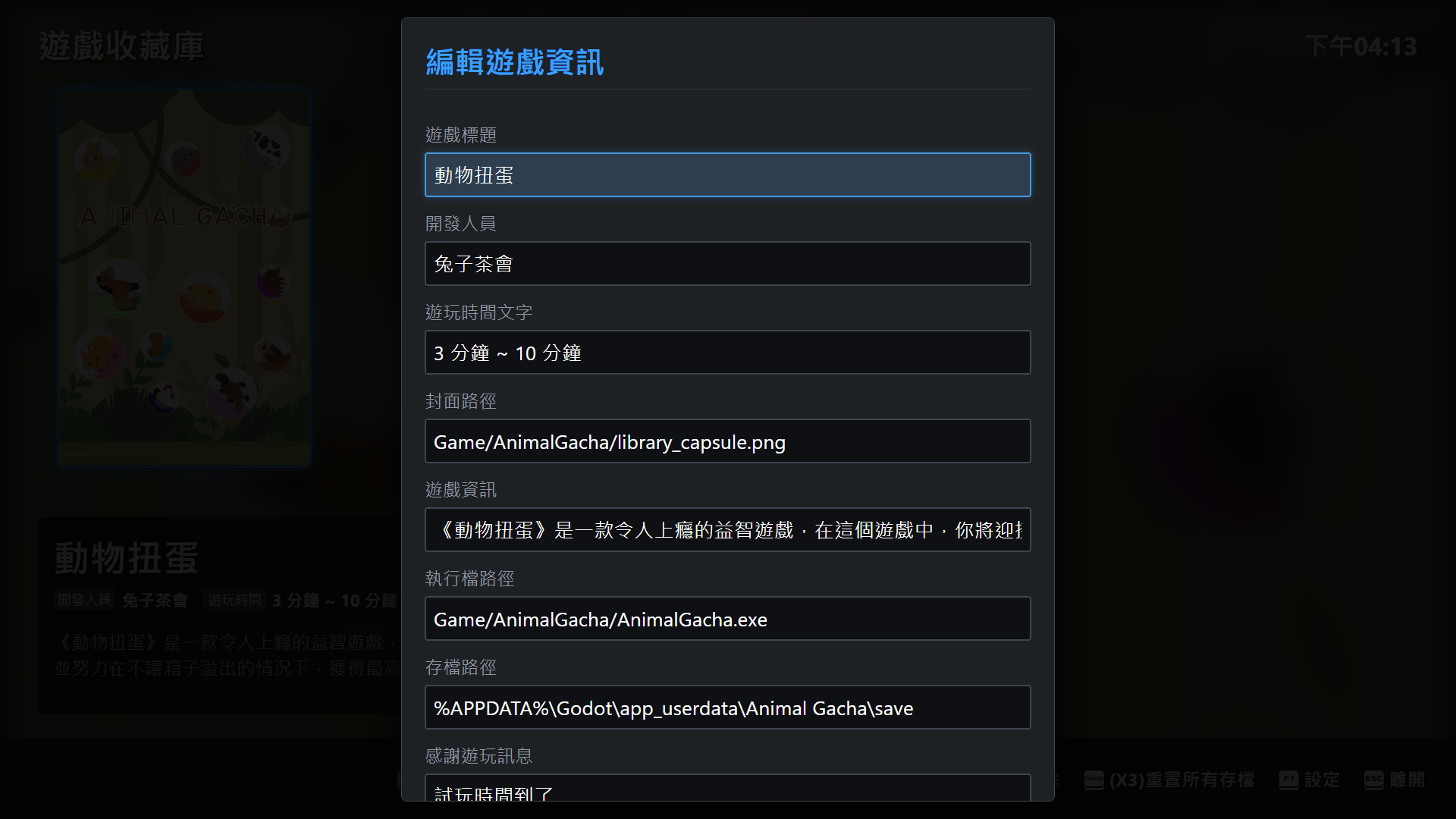
- 執行路徑:
Game/My Game/Game.exe - 封面圖檔:
Game/My Game/library_capsule.png(建議尺寸 600x900px) - 存檔路徑:
Game/My Game/save - QR Code:支援 1~3 組,例如
Game/My Game/QR_01.png
4. 進階功能
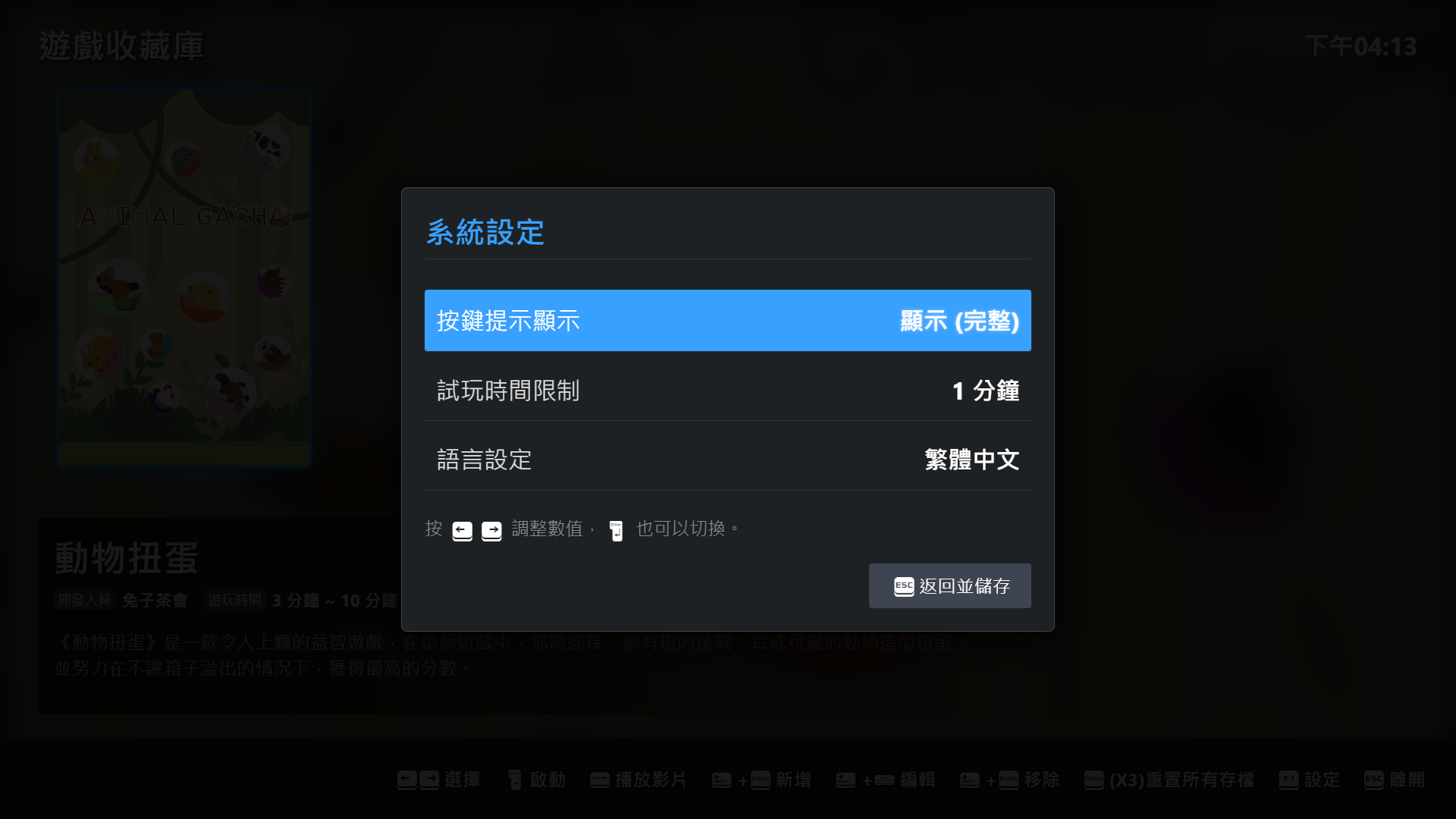
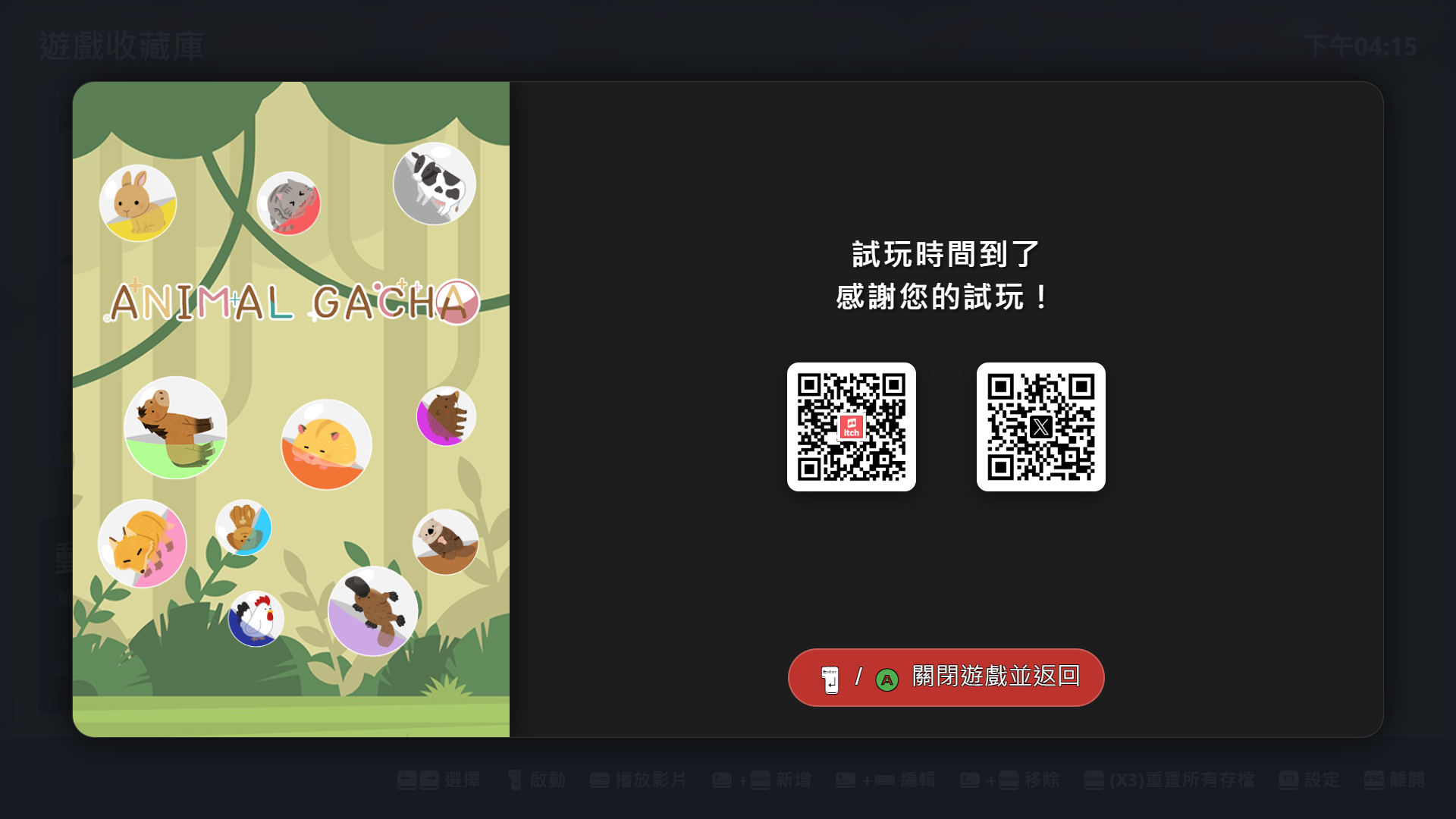
- 試玩限時: 可自訂每位玩家遊玩分鐘數。
- 介面簡化: 可隱藏右下操作圖示以美化畫面。
- 一鍵重置: 支援刪除所有遊戲存檔。
注意: 目前支援 Windows 與 Steam Deck。但在 Steam Deck 上,試玩限時計時功能可能無法正常提醒。
【English】Instructions
1. Setup
- Games: Copy Windows game folders into the
Game/directory. - Videos: Place
*.webmfiles into theVideo/directory.
2. Management
- Add Game: Press
Shift + Insert. - Manual Video Playback: Press
Tab(Keyboard) orMenu(Controller) in the main menu for random video playback.
3. Path Configuration (Examples)
- Executable:
Game/My Game/Game.exe - Cover:
Game/My Game/library_capsule.png(600x900px PNG) - QR Codes: Supports up to 3 paths, e.g.,
Game/My Game/QR_01.png
Note: Supports Windows and Steam Deck. Trial timer notifications may not function correctly on Steam Deck.
【日本語】使用説明
1. 初期設定
- ゲーム追加: Windows用フォルダを
Game/フォルダに配置。 - 動画素材:
*.webmファイルをVideo/フォルダに配置。
2. 起動と操作
- 新規追加: キーボードの
Shift + Insertを押す。 - 動画再生: メインメニューでキーボードの
TabまたはコントローラーのMenuボタンを押すと、ランダム再生が開始。
3. パス設定例
- 実行ファイル:
Game/My Game/Game.exe - カバー画像:
600x900px PNGを推奨。 - セーブデータ一括削除機能に対応。
注意: WindowsとSteam Deckに対応。Steam Deckでは試遊タイマーの通知が正しく動作しない場合があります。
Download
Click download now to get access to the following files:

Leave a comment
Log in with itch.io to leave a comment.